
Downloads

Download the complete Sylvania client (19.23 GB) or use our launcher for a simplified installation.

File Name
WoW 3.3.5.zip
Size
19.23 GB
Format
ZIP
Last Update
24/05/2025

Sylvania Launcher

Our custom launcher handles updates and patches automatically.

  • Automatic installation of HD patches
  • Integrated multi-account management
  • In-game performance optimization
  • Integrated technical support

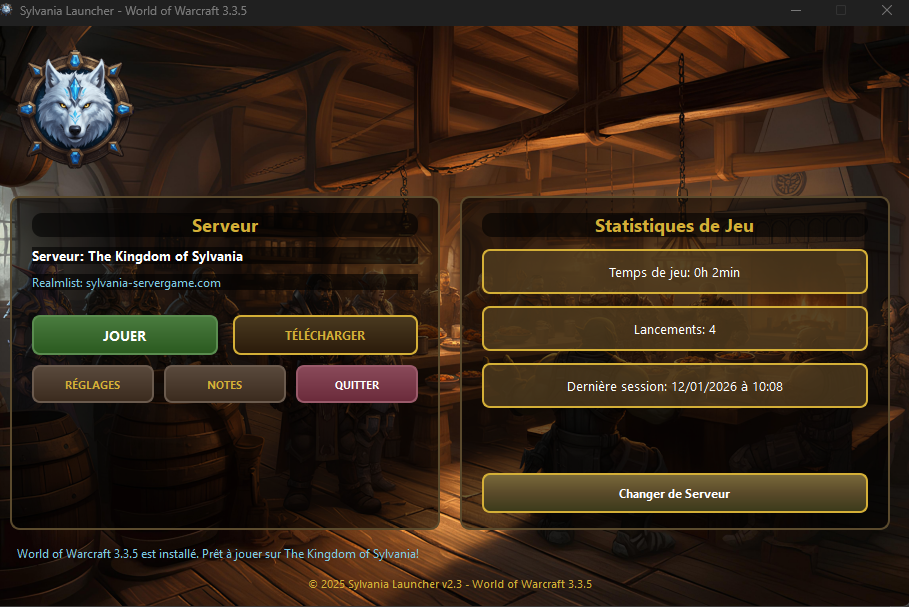
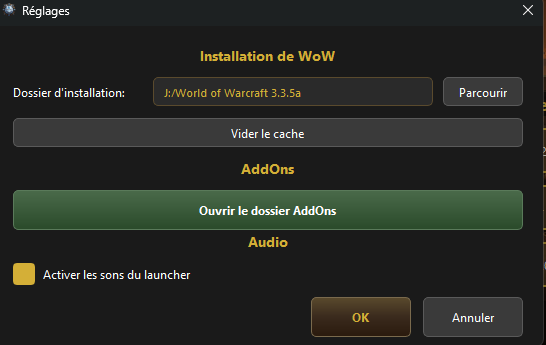
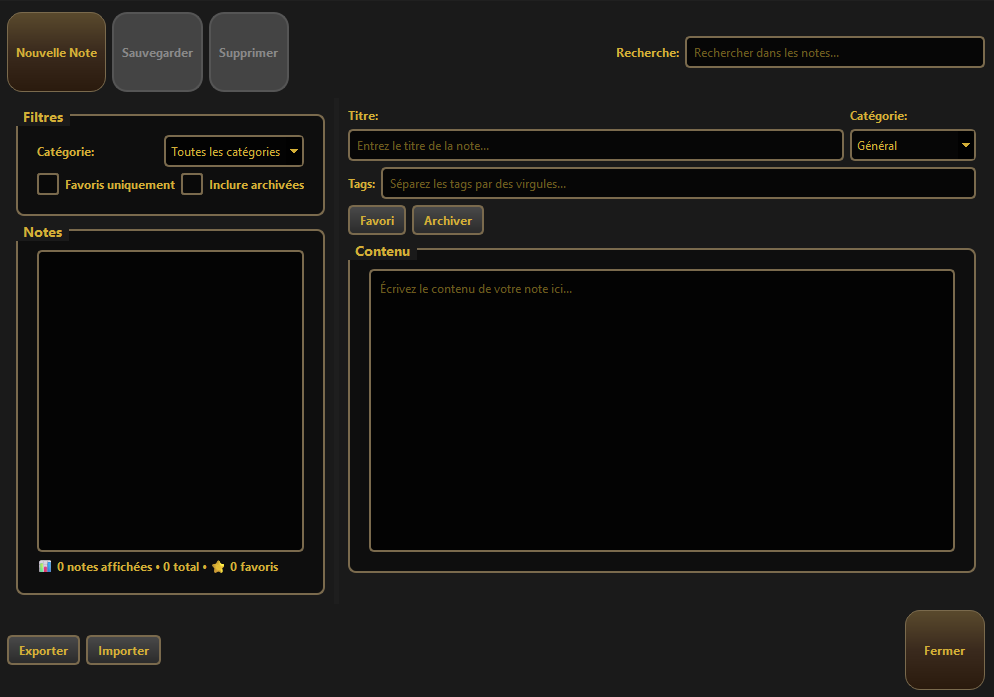
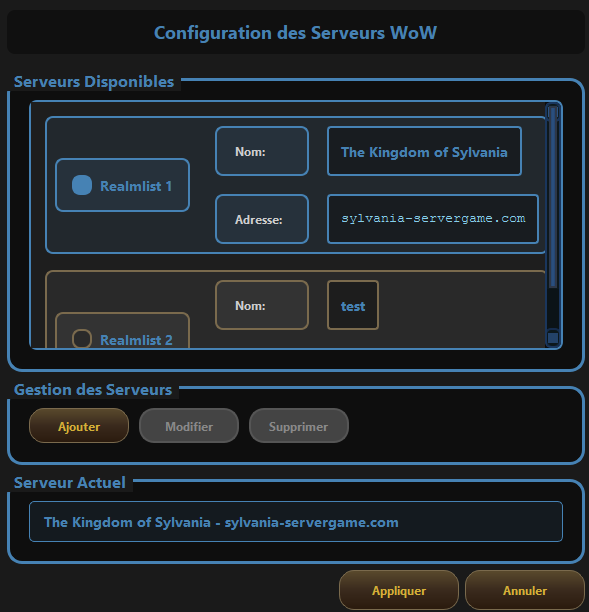
Preview

Main interface

Main Interface

Server settings

Server Configuration

Notes

Note Book

Switch server

Realm Selector

Version 2.5 (Latest)
  • Fixed freezes during download
  • Improved decompression speed
  • New file verification system
Version 2.4
  • Added multi-language support
  • Graphical interface redesign
  • Dynamic news system
  • Client auto-repair
Version 2.3
  • Initial launch of the new launcher
  • ARAC patch support
  • Realmlist manager

Note: WARNING: Please run the launcher as administrator during the first installation.

Scan with VirusTotal
How to check the file?
  1. Click on the VirusTotal button above.
  2. Upload the .zip or .deb file.
  3. Wait for the scan to finish.
  4. Check results from over 70 antiviruses.
  5. Play safely!

Sylvania HD Patch

Enhance your client graphics with our HD models (Warlords of Draenor).

  • New character models
  • Improved environmental textures
  • Modernized spell and water effects
Download HD Patch

Note: Included by default in Sylvania Launcher.

Direct Download

Prefer configuring your client manually? Download the full client here.

  • Complete and pre-configured WoW 3.3.5a client
  • No ads or waiting time
  • Unlimited download speed
Download Client (ZIP)

Requires manual extraction and realmlist configuration.

Manual Configuration

Change Realmlist
  1. Go to your WoW /Data/enGB (or frFR) folder.
  2. Open the realmlist.wtf file with a text editor.
  3. Delete all content.
  4. Paste the line: set realmlist sylvania-servergame.com
  5. Save and launch WoW.exe (not Launcher.exe).
Performance (Cache)
  1. Regularly delete the /Cache folder.
  2. Do NOT delete the /Data folder.
  3. Check that the WoW folder is not "Read-only".
  4. Disable outdated addons that cause lag.
First Launch
  1. Login with your USERNAME (not your e-mail).
  2. Check that the displayed version is 3.3.5 (12340).
  3. Have fun on Sylvania!

Need help?

Our technical team is available on Discord to help you install the game.

Join Discord